
Watch the video tutorial on YouTube
- You can see all the materails of a course on the course main page, under every week or topic. (Figure 1)
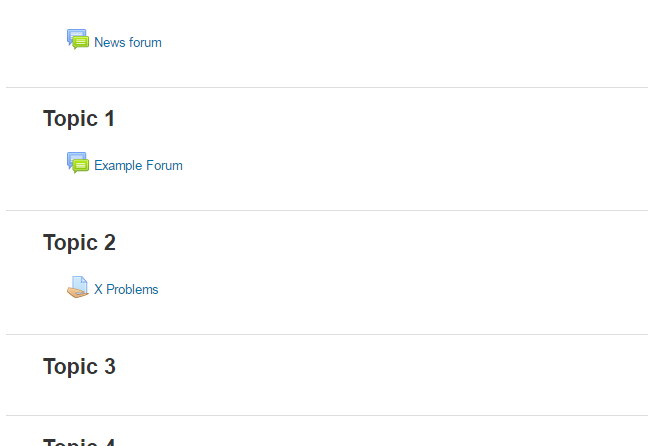 Figure 1
 - In order to see your grades, first, click “Grades” link on the left Administration menu. There you can see your grades of the relevant course. (Figure 2, Figure 3)
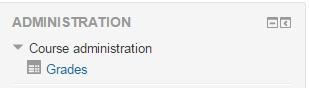 Figure 2
 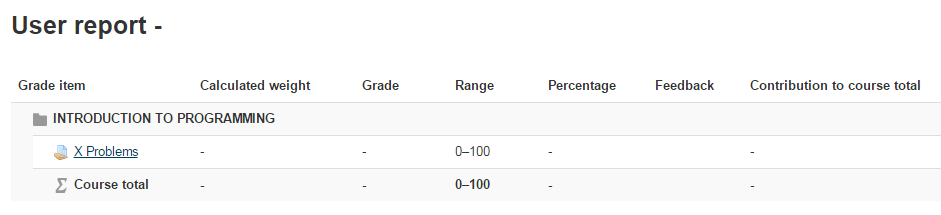 Figure 3