
Watch the video tutorial on YouTube
- On the course page click on the assignment that you want to submit (Figure 1).
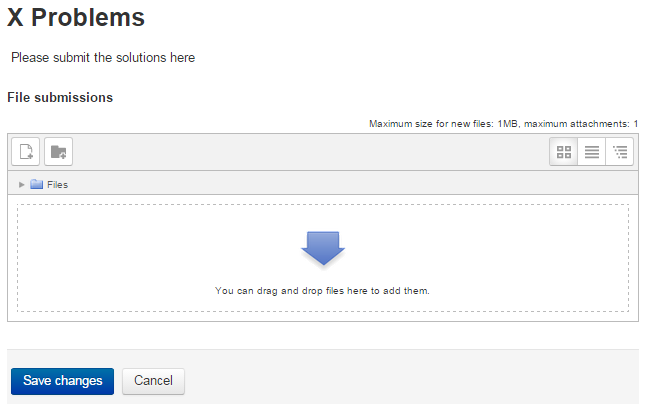 Figure 1
 - Then click “Add submission” link under assignment details (Figure 2).
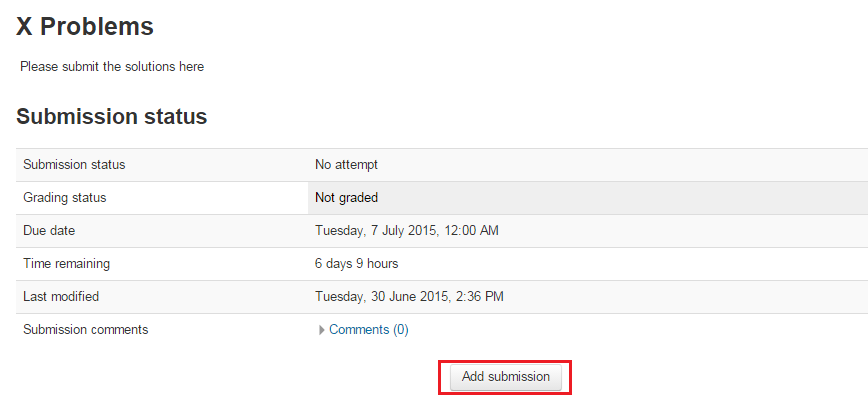 Figure 2
 - Then upload your file (Figure 3) or write your assignment on the text area (Figure 4) and then click “Save changes”.
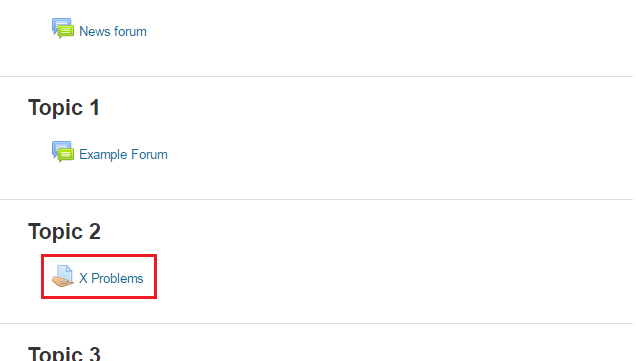 Figure 3
 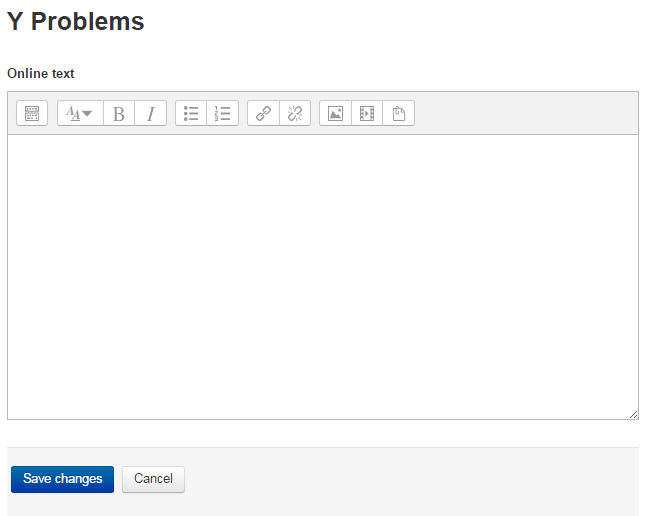 Figure 4