
Watch the video tutorial on YouTube
- In order to add Events, “New event…” link in “Upcoming Events” panel should be followed. This panel is located on the right hand side of the course page (Figure 1).
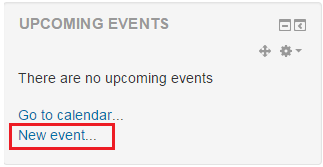 Figure 1
 - On the next screen, the form should be filled and then “Save changes” button should be clicked. The fields that are marked with red * sign are required fields (Figure 2).
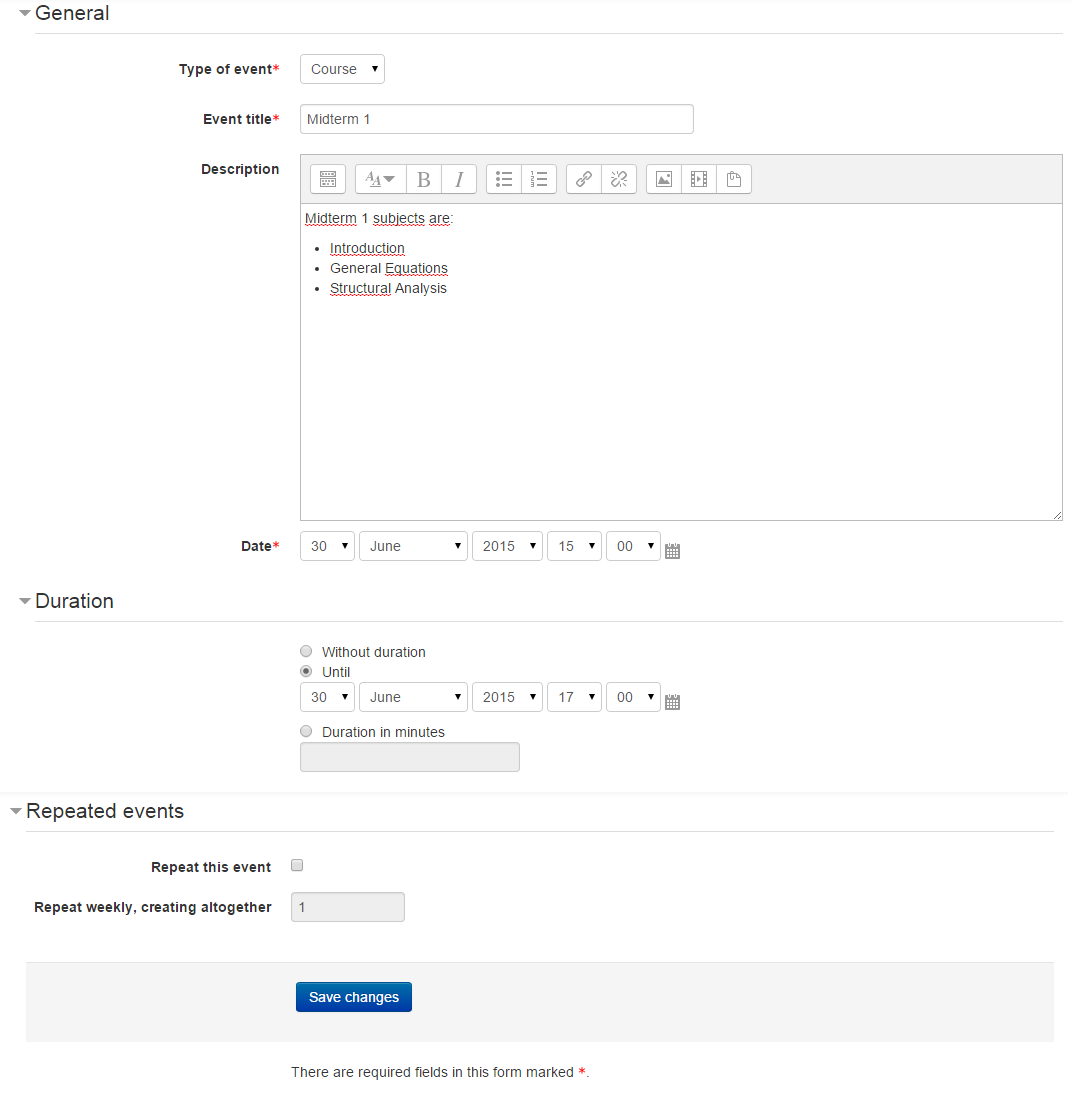 Figure 2